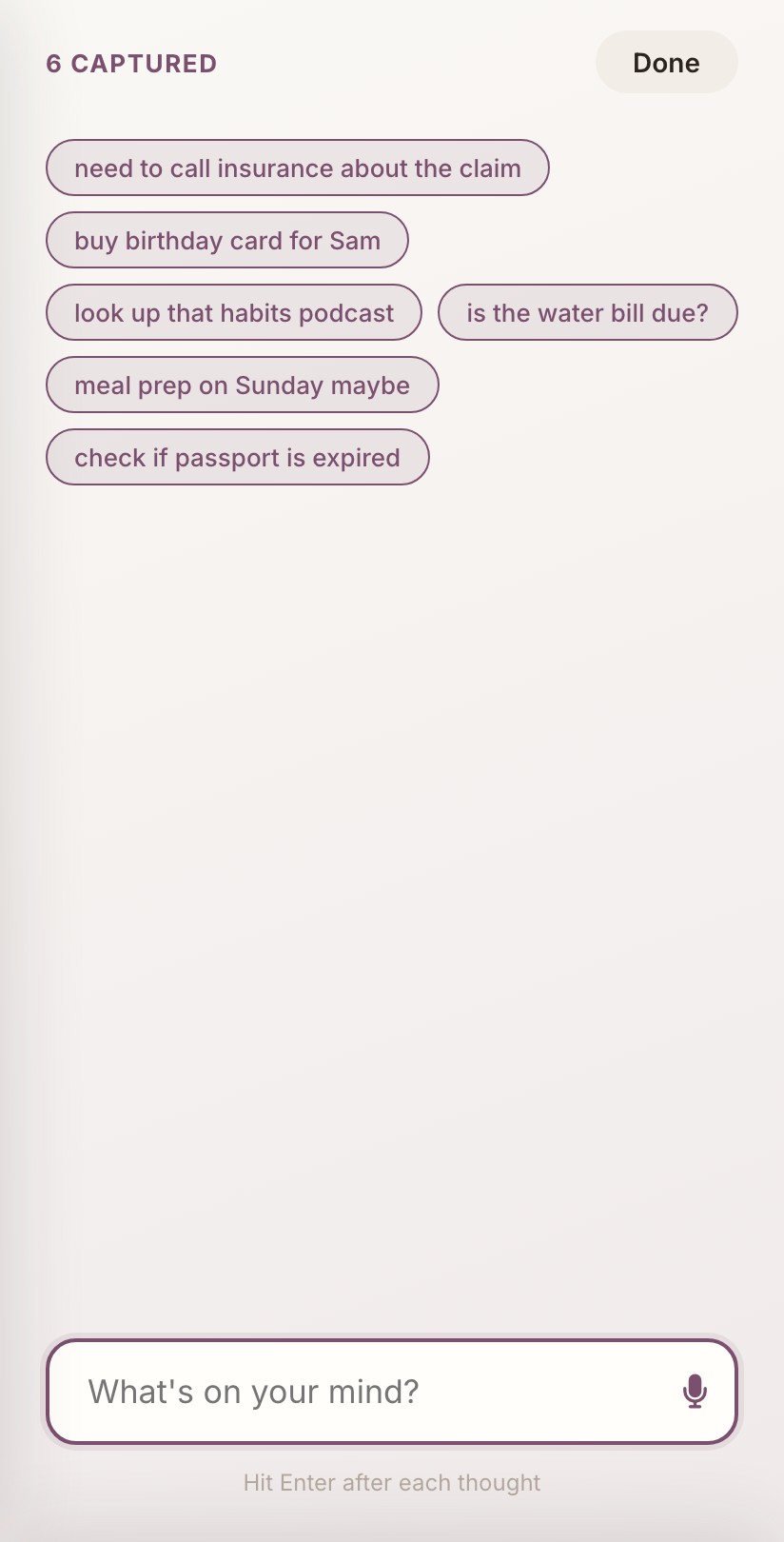
Brain Dump
Get it all out. We’ll sort it later.
Racing thoughts? Brain Dump catches everything before it’s gone. No sorting, no organizing. Just get it out of your head.
WIPS is built around that exact moment. Dump the chaos out of your head, see one task at a time, and match your list to whatever energy you’ve actually got today.

None of that is a character flaw. It’s a design problem. Here’s the fix.
Built for your brain
Racing thoughts? Brain Dump catches everything before it’s gone. No sorting, no organizing. Just get it out of your head.
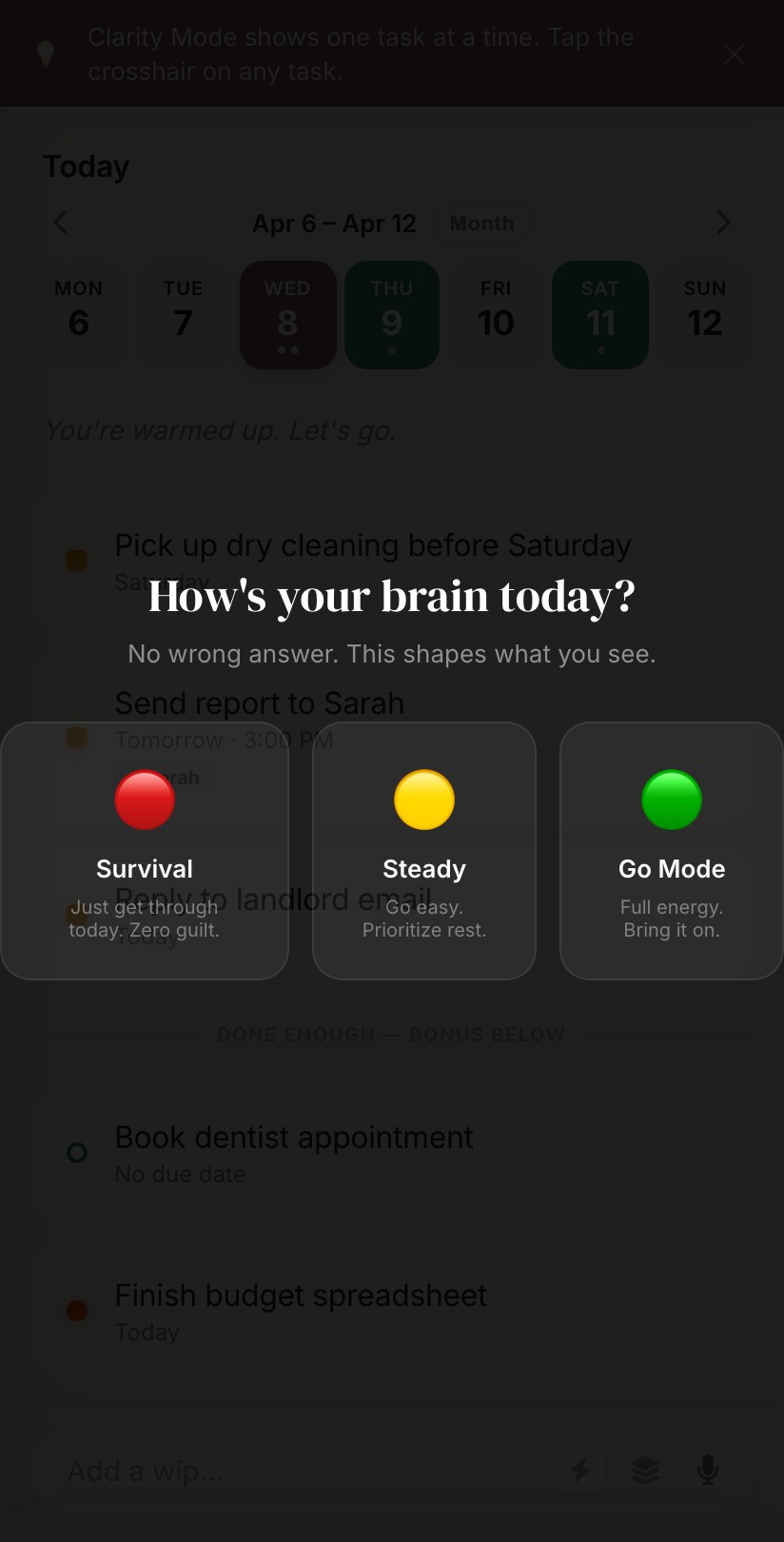
Survival, Steady, or Go Mode. On a low day, WIPS shows you only what actually matters. No guilt about the rest.
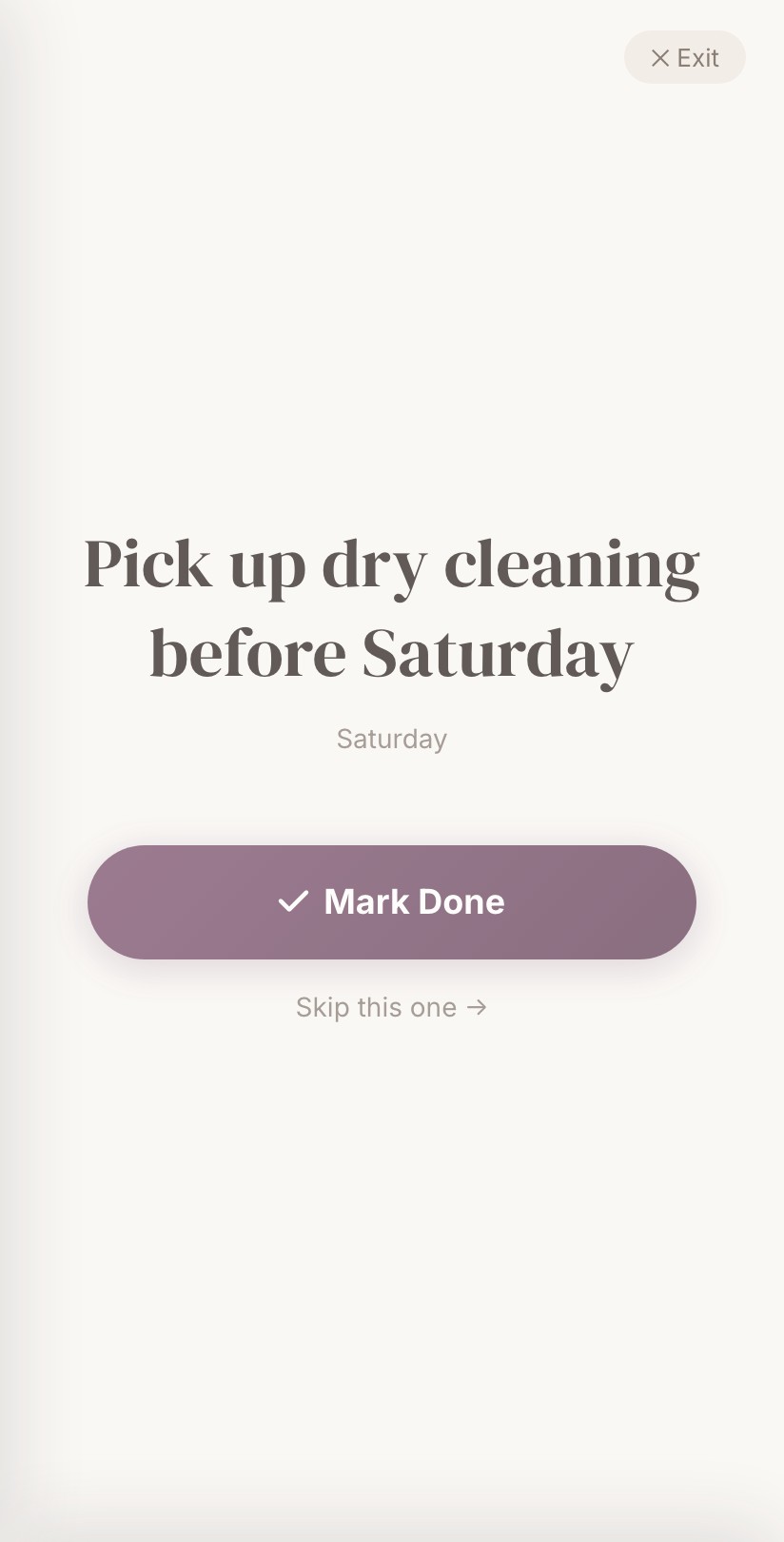
When the list feels like too much, Clarity Mode shows exactly one task. Mark it done, skip it, or just breathe.
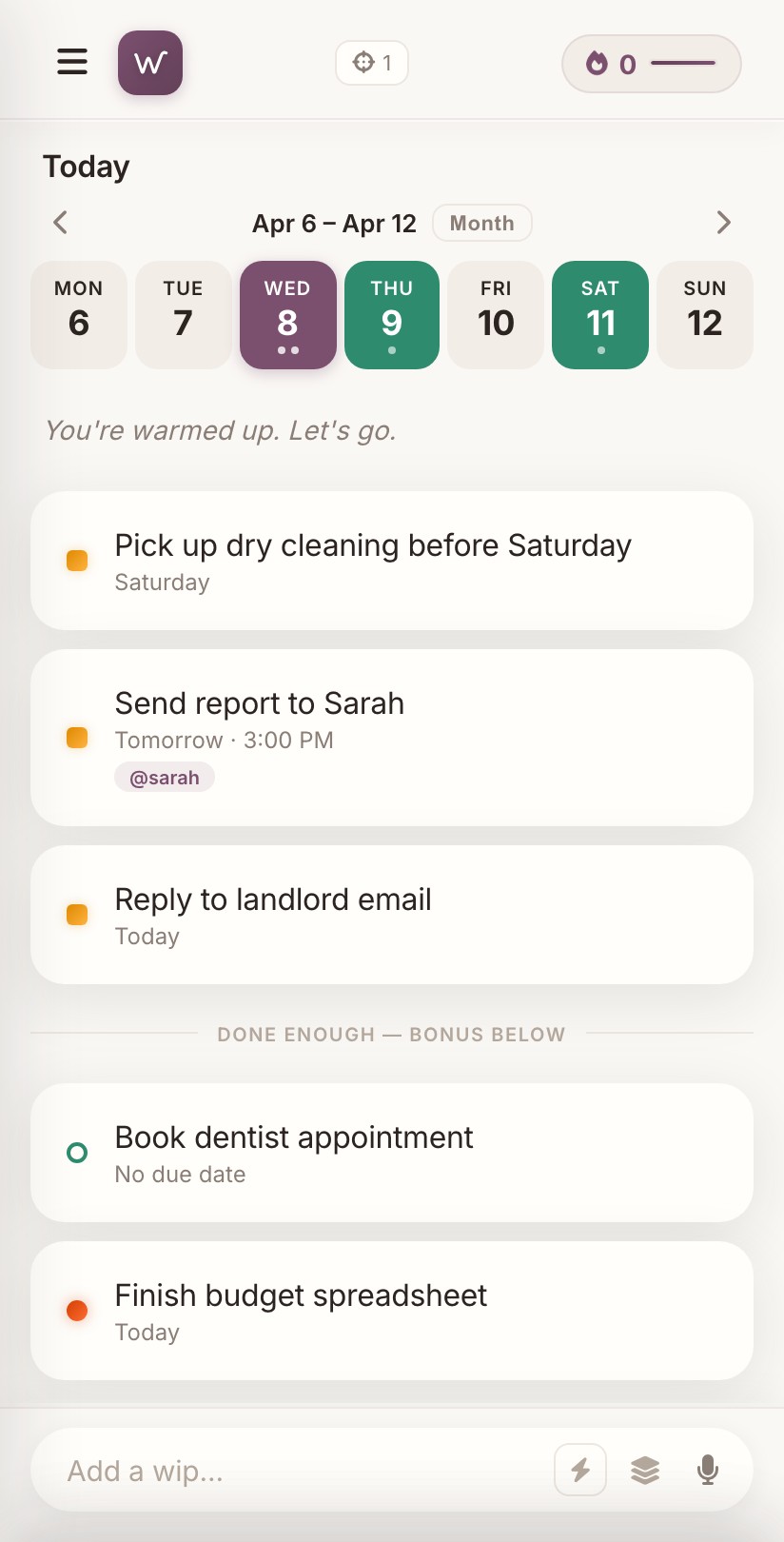
Type tasks in plain English. Swipe right to complete, left to delete. Every completion earns XP, because finishing something should feel like something.
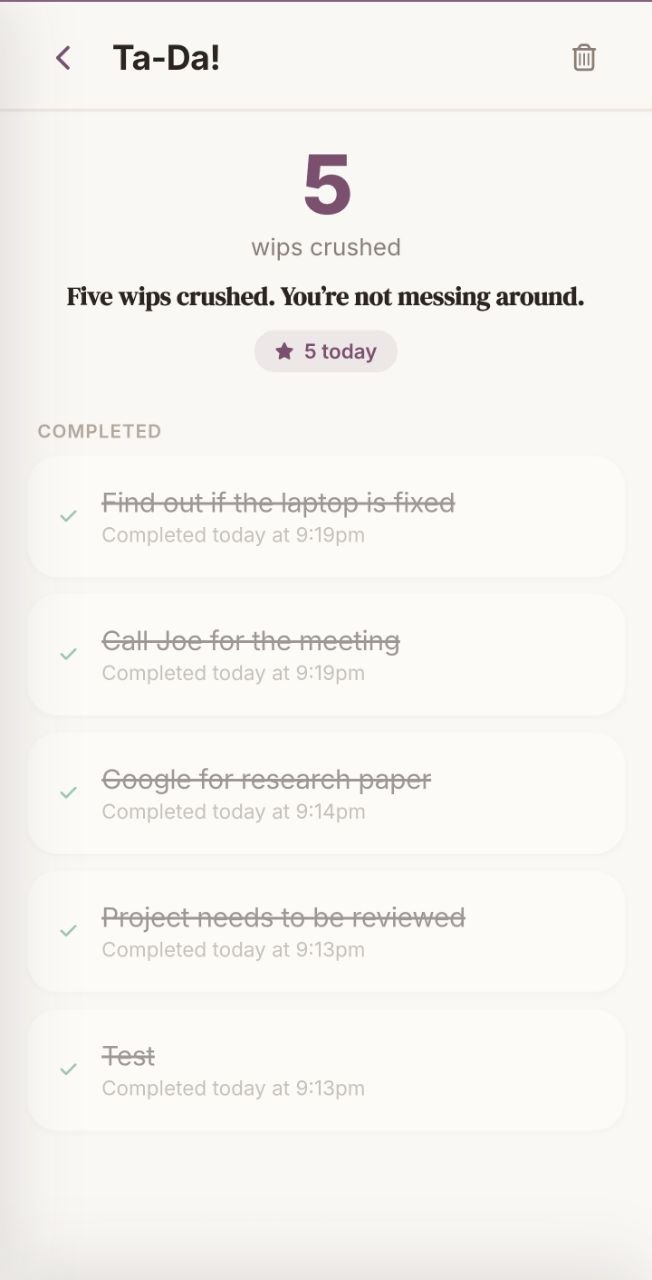
Every completed task is celebrated, not deleted. Ta-Da makes “I did nothing today” provably false.
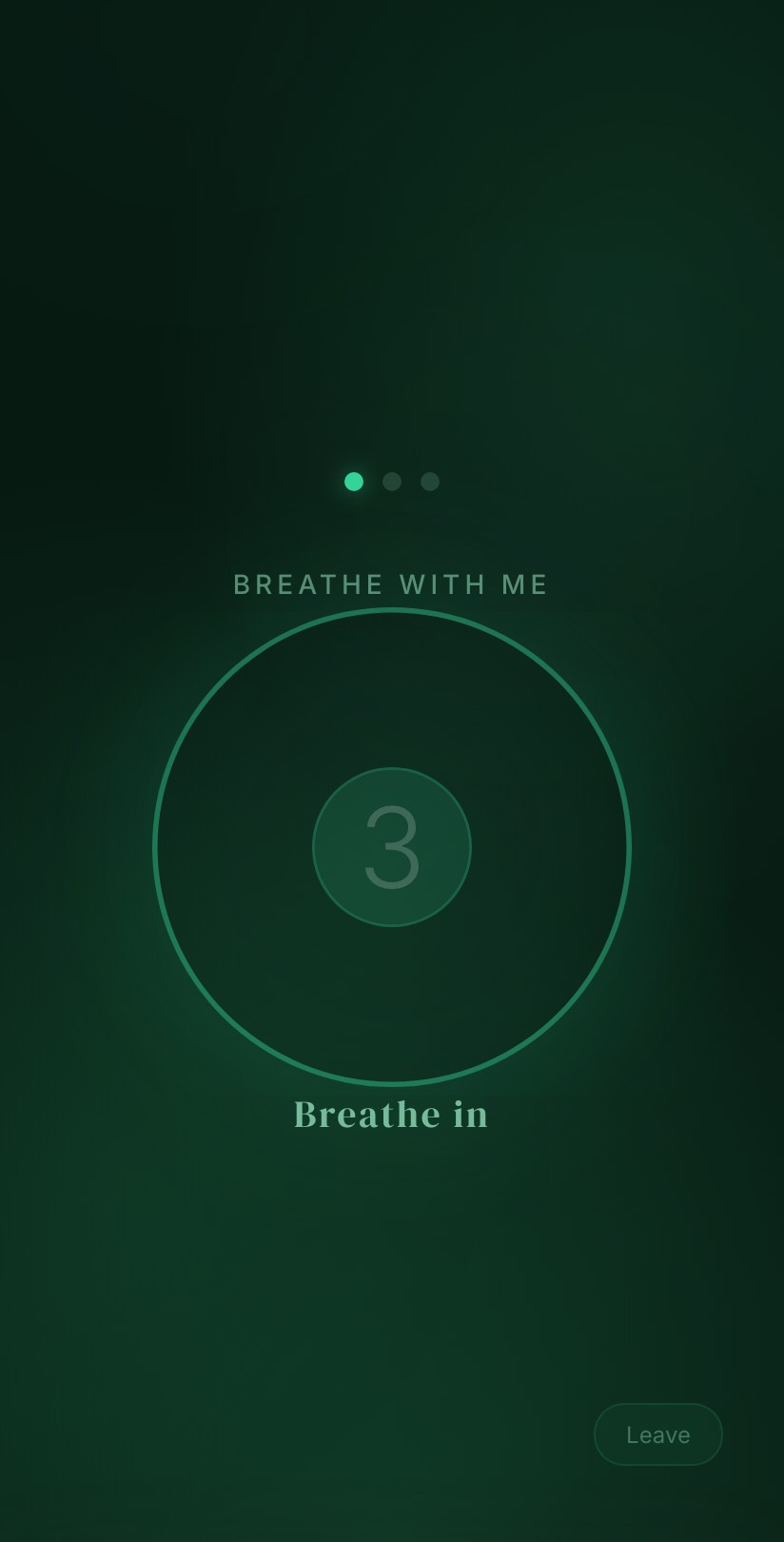
Guided breathing, affirmations, 5-4-3-2-1 grounding. Somewhere to land when everything feels like too much.
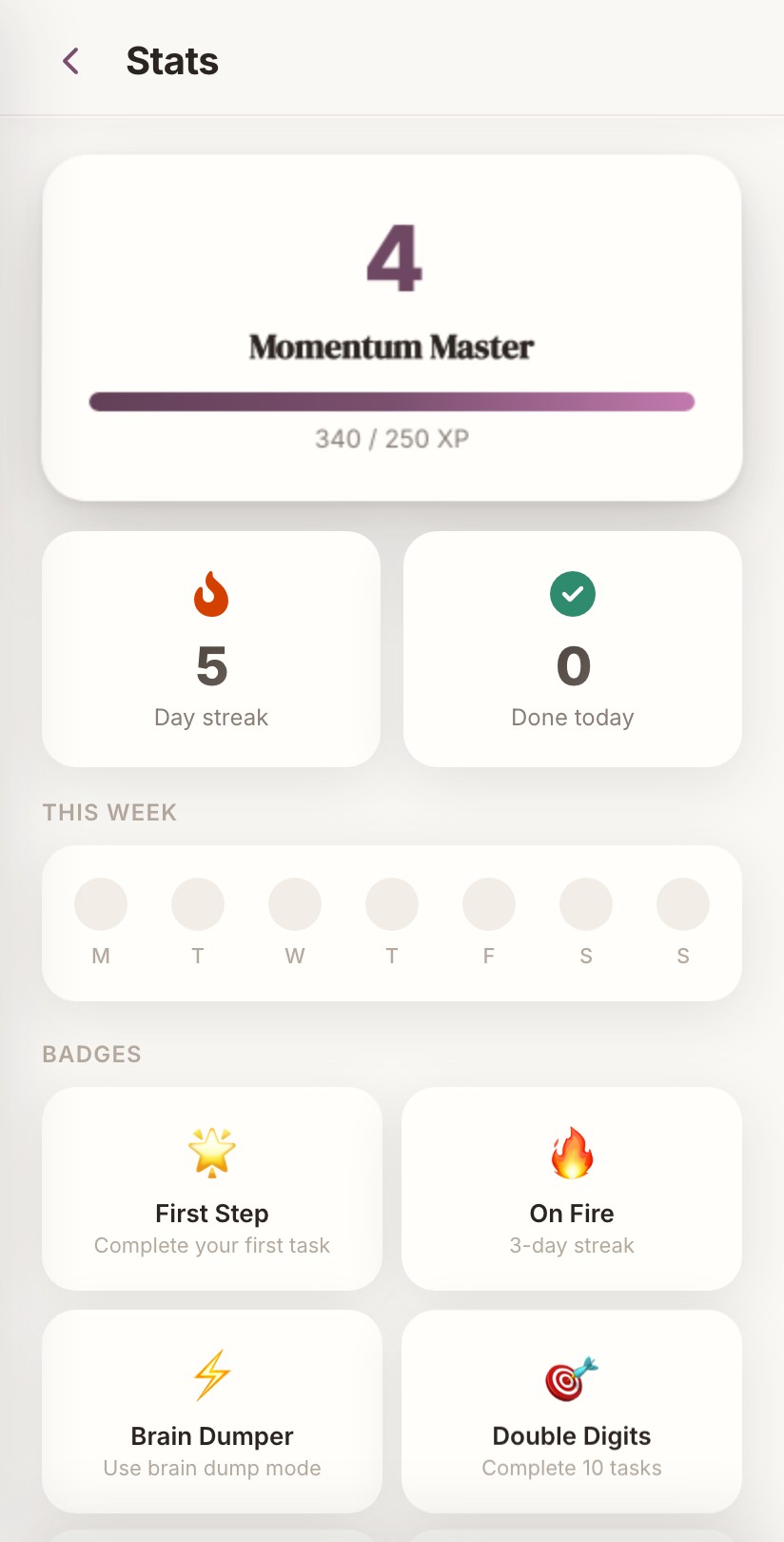
Level up, unlock badges, build streaks. Your progress is visible, not buried three menus deep.
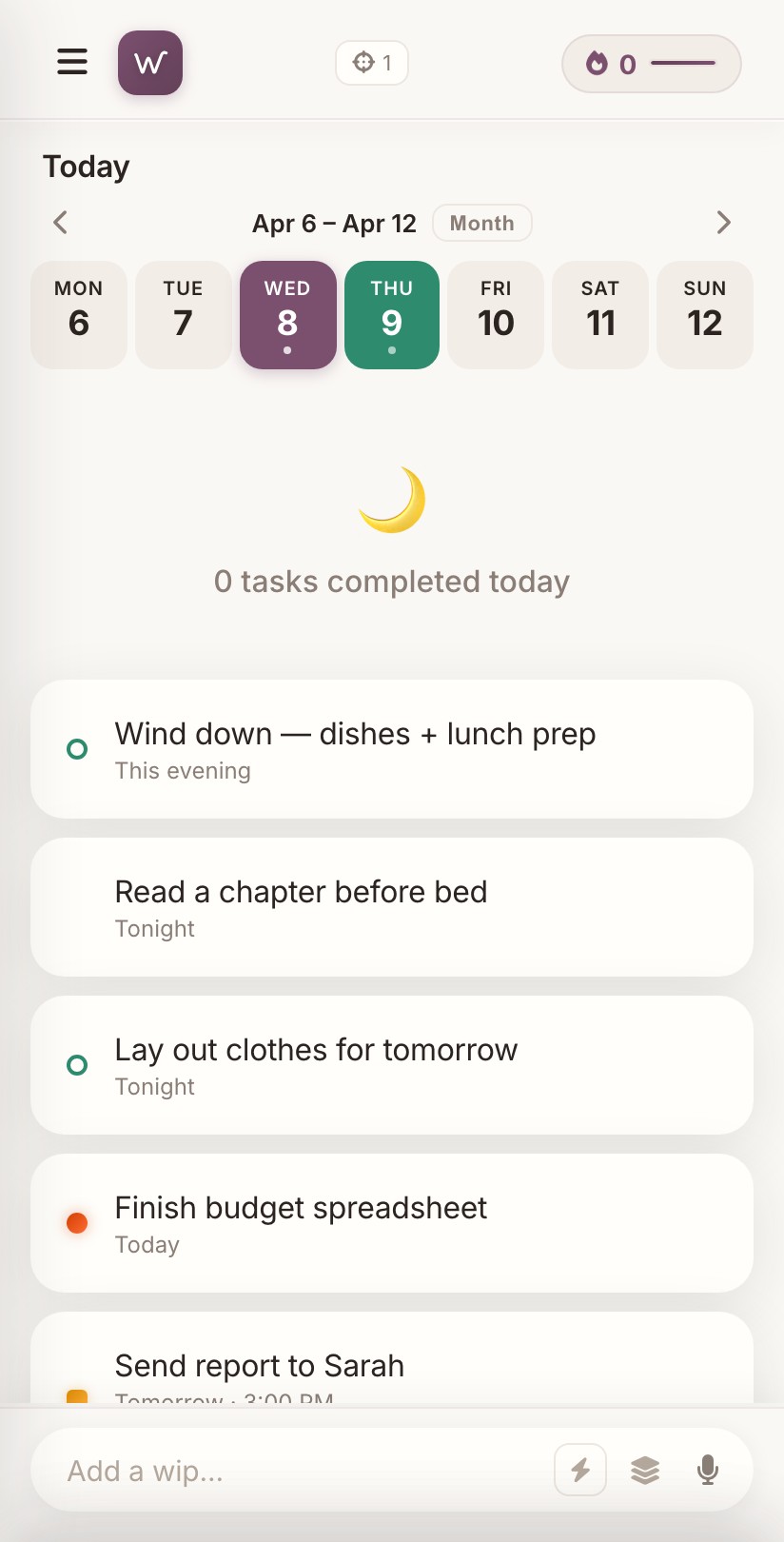
Morning activation, afternoon momentum, evening wind-down. WIPS shapes your list around your brain’s actual energy curve, not a generic 9-to-5.
No accounts. No cloud. No tracking inside the app. No ads. Ever.
Built for ADHD brains: we don’t check IDs at the door. If your brain’s having an off week for any reason, it’s yours to use.
The money part, up front
You don’t have to trust us. You can just check.
Built for the days your brain runs on fumes, which is exactly why it holds up on the good days too.
The web version comes down on Sunday, October 25, and the Windows app, which opens it, stops working then too. Your tasks live only in your browser, so you can save a copy before then. Open the web version, tap the menu icon at the top left, tap Settings, find Your Data, then tap Download My Data (JSON). The file is yours to keep. The iPhone app can’t open it, so think of it as a record of your tasks, not a transfer.
Open the web version